NotePass
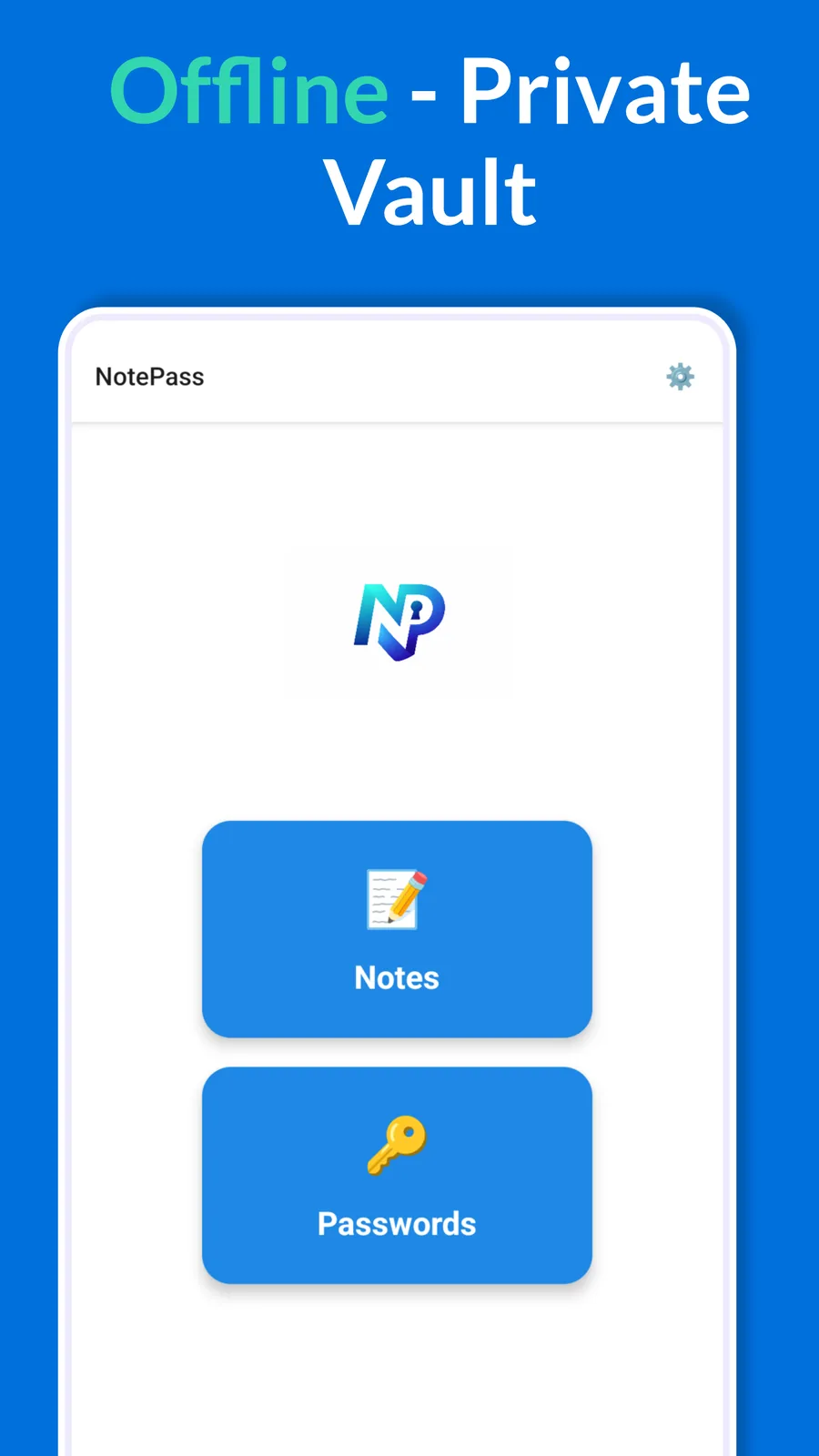
Secure notes & passwords. Offline-first. Zero-knowledge encryption.
Now in open testing on Google Play — early access build.
Screenshots
Features
On-device encryption
Notes and passwords are encrypted on your device with AES-256-GCM. Your keys live in the device keychain — nothing syncs to a server.
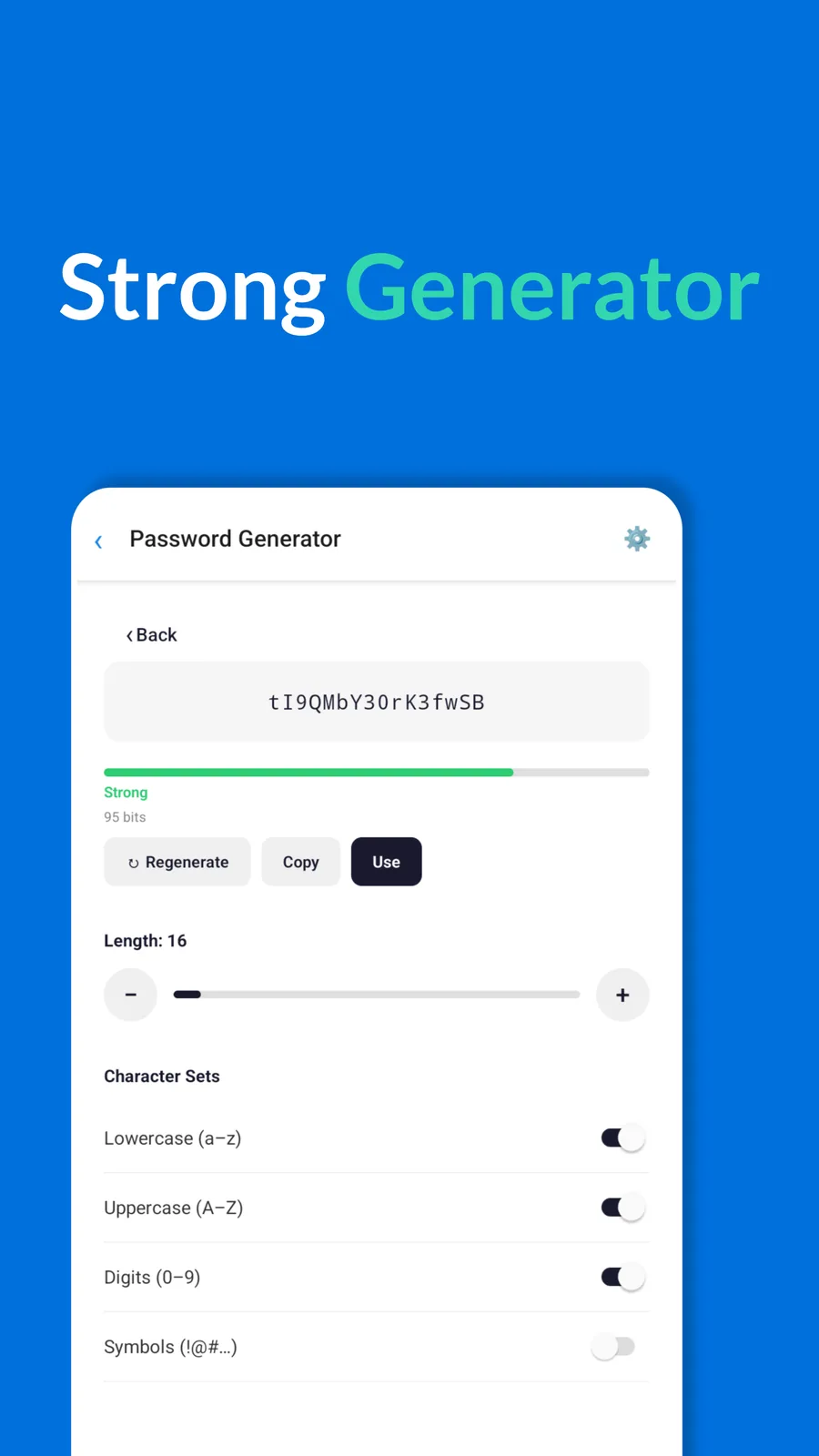
Password generator
Generate strong passwords (8–128 characters, configurable character sets) with a live strength and entropy readout.
PIN + biometric lock
A required PIN plus optional Face ID, Touch ID, or fingerprint. Biometrics always fall back to your PIN — never a dead end.
Auto-lock & screenshot shield
The vault locks on a timer you choose, and decrypted screens are hidden from screenshots and the app switcher.
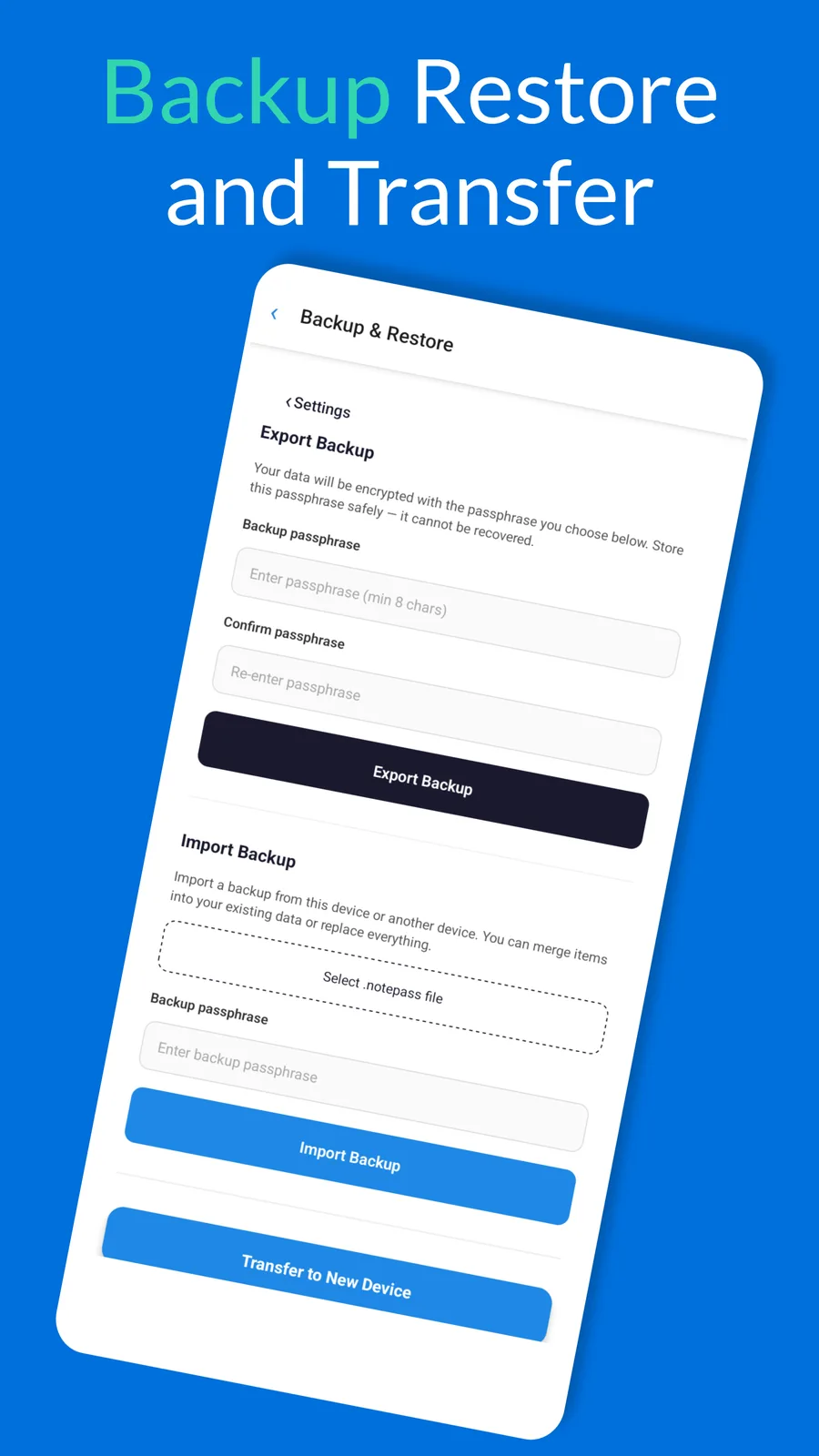
Encrypted backup & restore
Passphrase-protected .notepass backups you control, with merge or replace on import — and they move between Android and iOS.
Recently Deleted
Deleted items stay recoverable for a retention window you set, so an accidental delete isn't permanent.
Clipboard auto-clear
Copied credentials clear from the clipboard after 30 seconds and are marked sensitive, so they don't show in previews or sync across devices.
No ads, no accounts, no tracking
Fully offline. No advertising, no analytics, no sign-up, and no internet required to use it.
What NotePass protects against
- Device theft or loss — your vault stays encrypted at rest, locked behind your PIN and biometrics.
- Snooping apps & shoulder-surfing — decrypted screens are blocked from screenshots and app-switcher previews, and copied passwords auto-clear.
- Cloud breaches — there is no server and no account, so there is nothing to breach online.
- Accidental deletes — Recently Deleted lets you recover items you removed by mistake.
NotePass is built for everyday privacy. It cannot protect data on a compromised or malware-infected device, and — because it is zero-knowledge — no one, including us, can recover your vault if you lose your PIN and your backup.
Privacy Summary
NotePass encrypts and stores all data locally on your device. There are no accounts, no cloud sync, and no tracking — we have no ability to access your notes, passwords, or encryption keys. See the Privacy Policy for full details.